Customers keep asking for updates
Reception teams lose time repeating queue positions and expected next steps.
 FlowQ
FlowQ
Queue management for clinics and SMEs
FlowQ helps clinics and SMEs manage waiting customers with local or cloud queue options using the devices they already have.
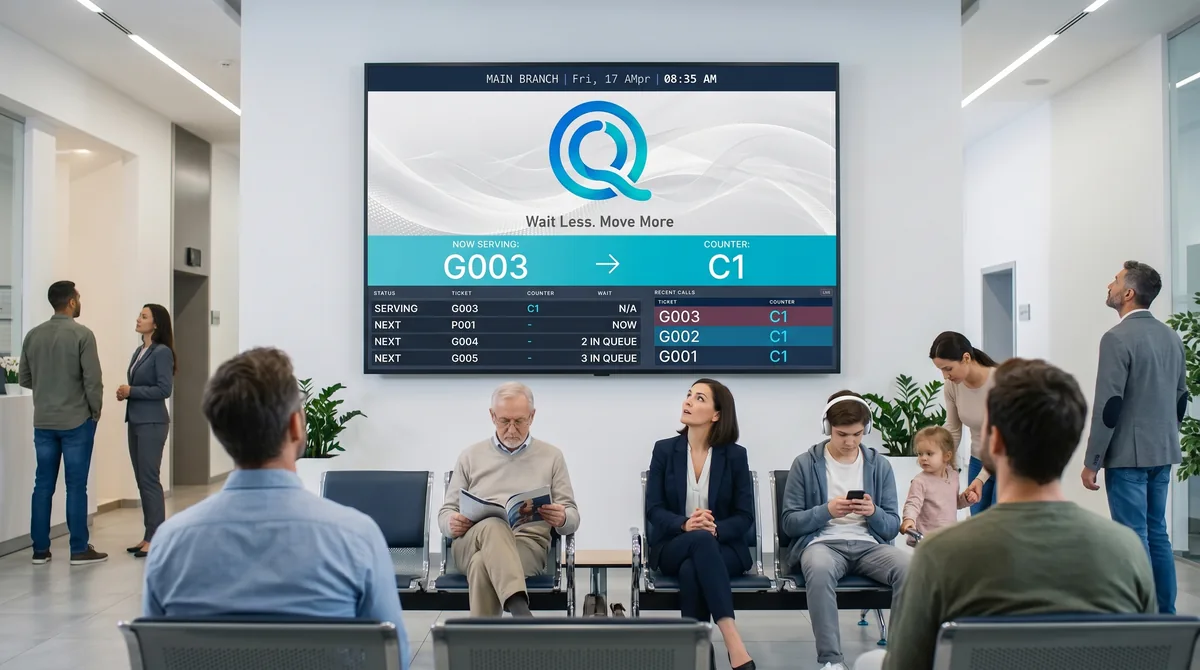
The daily pain
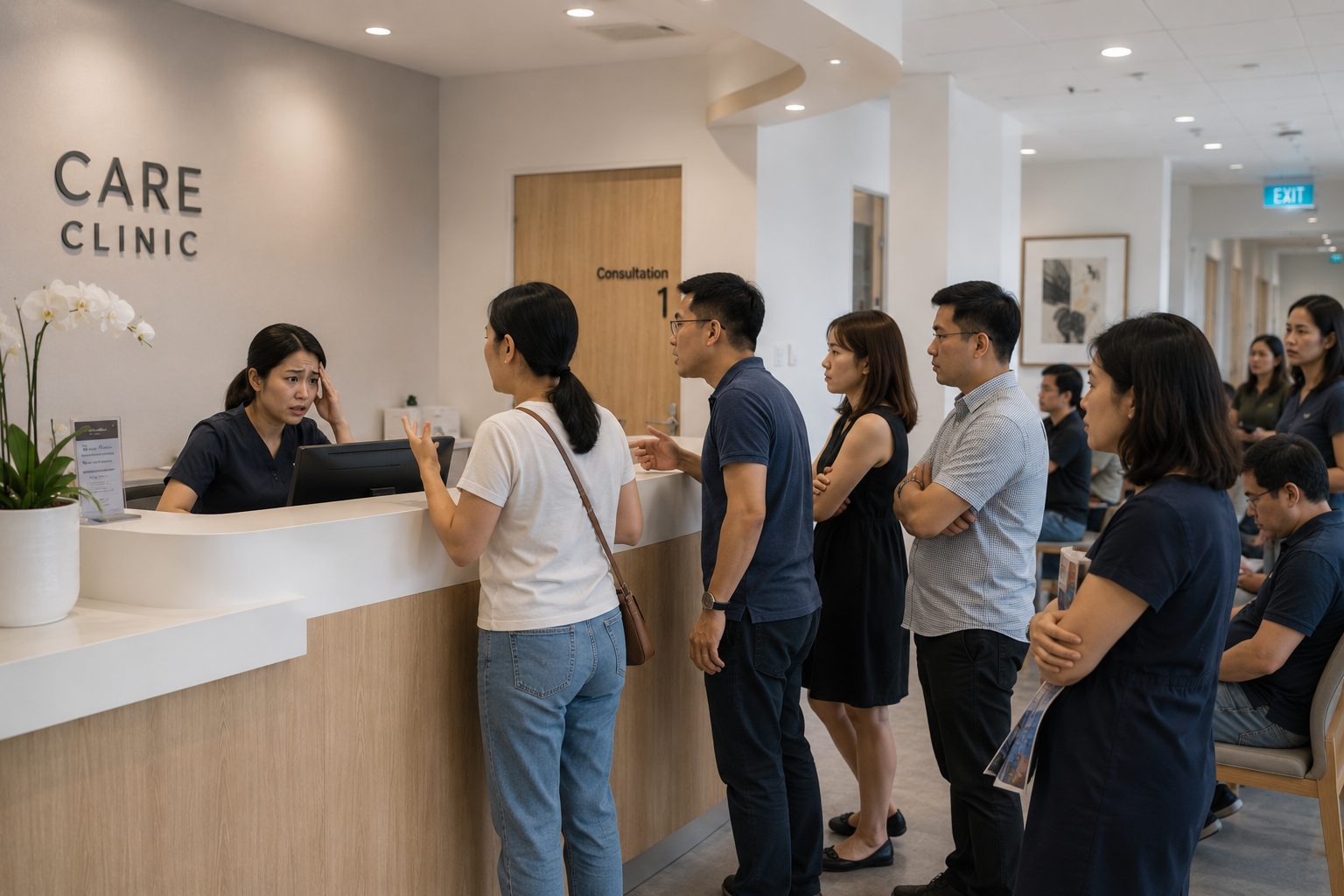
Reception teams lose time repeating queue positions and expected next steps.
Names, paper slips, and verbal calls are easy to miss during busy periods.
Many clinics and SMEs need better flow, not an expensive queue machine installation.
Two FlowQ options
Use the local FlowQ system for full branch control with counter terminals, kiosk ticket issuing, public display screens, media display, printing, SMS notifications, Telegram notifications, multilingual kiosk/display messages, and admin settings.
Use FlowQ Cloud when you want a QR-first queue without setting up a kiosk. Customers scan a branch QR code, choose the service if needed, join the queue, and receive a ticket status page.
Local workflow
This is the standard local FlowQ journey: customers join from QR or kiosk, staff manage the counter workflow, and the public display keeps the waiting area clear.
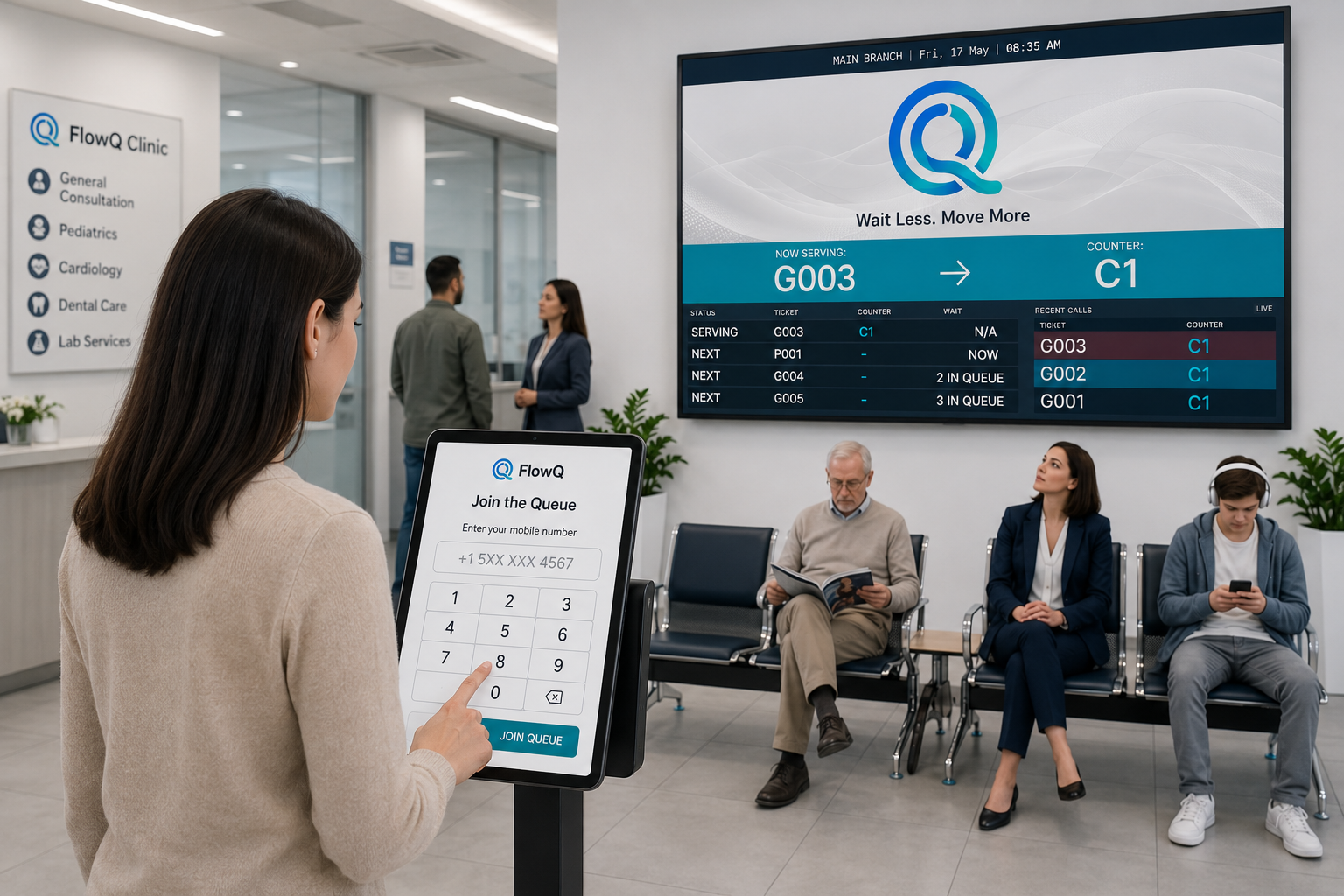
Customers take a queue number from the local self-service entry point at reception or the kiosk area.
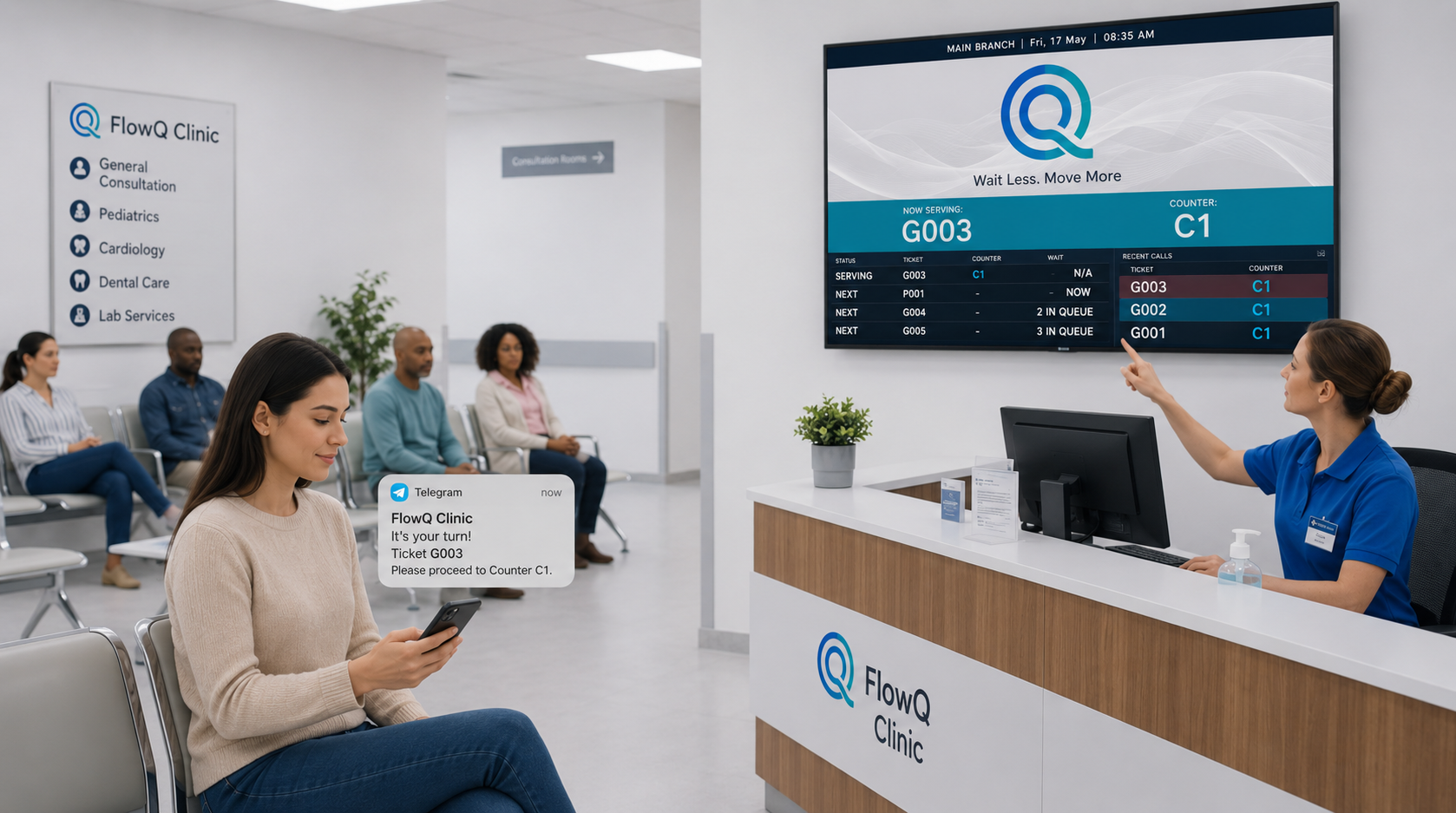
Staff call, hold, redirect, or complete tickets from the local counter dashboard.
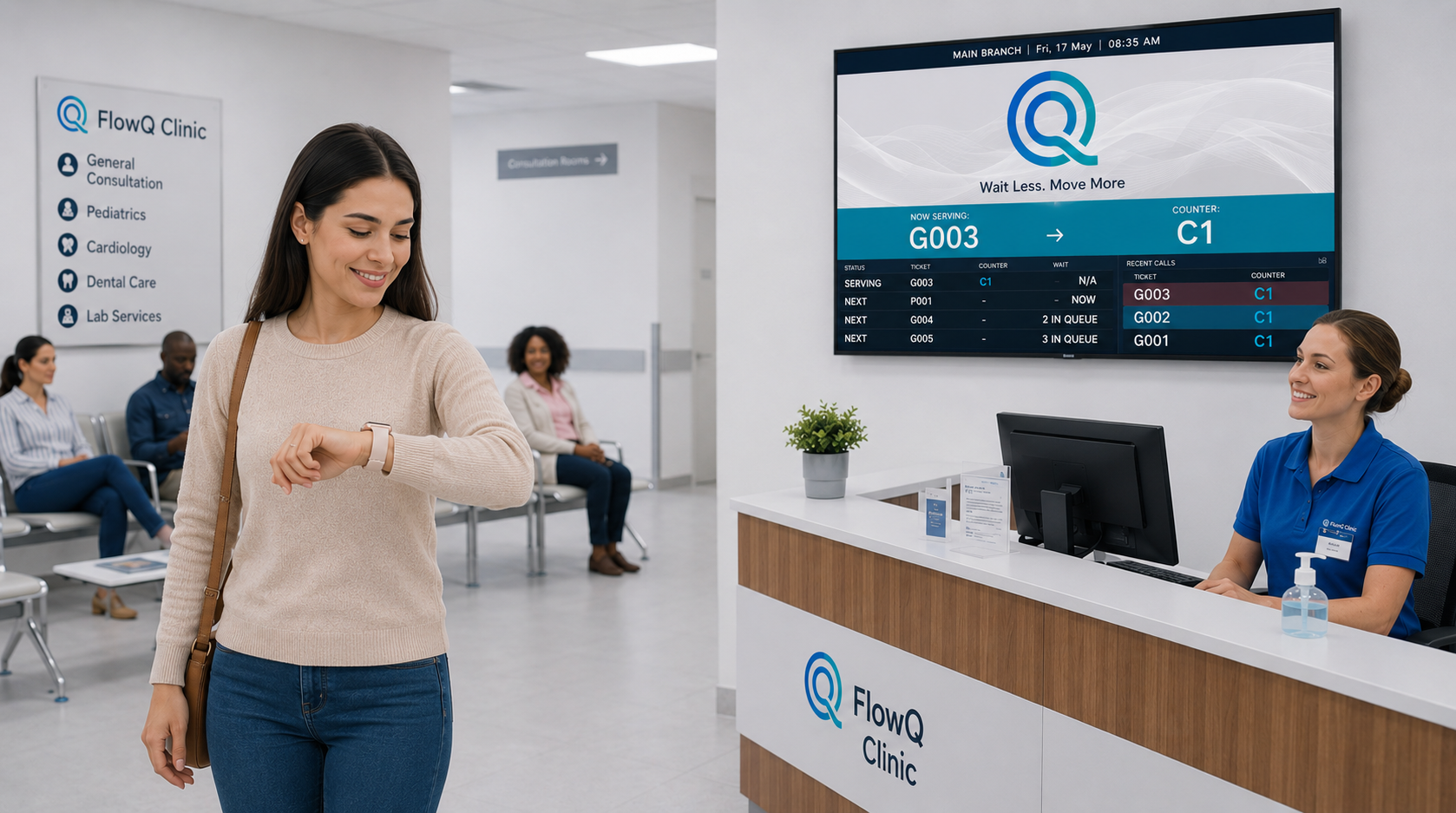
Public display screens show now-serving and waiting updates so customers always know what happens next.
System setup
For local setup, customers can join from a QR code or a self-service kiosk, staff call from the dashboard, and public screens keep everyone updated without a complicated hardware stack.
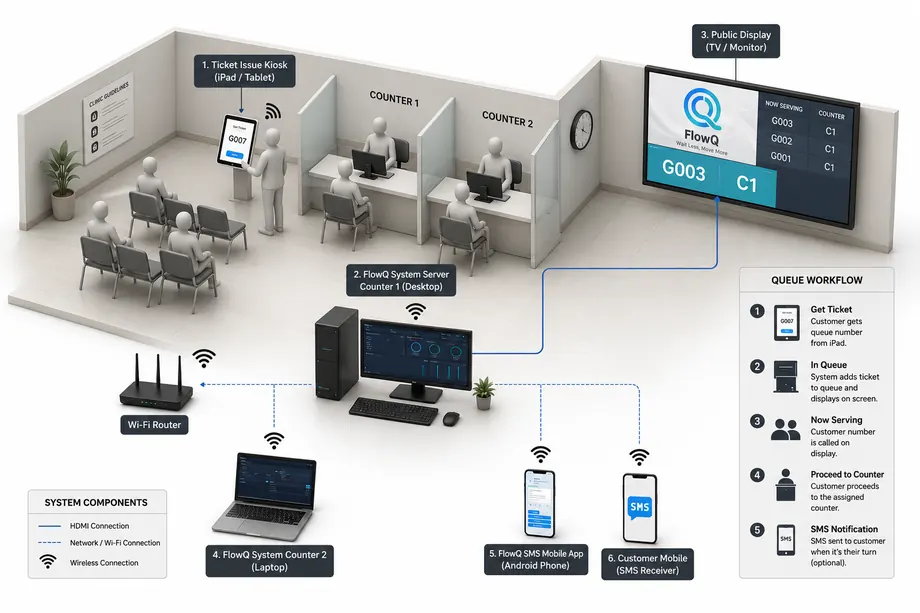
A customer takes a queue number using the available self-service option in the local branch setup.
Staff call, redirect, pause, or complete tickets from the service counter dashboard.
Public display screens show the current queue and counter updates in real time.
Optional SMS and Telegram updates can be sent when the queue workflow needs customer notification.
Cloud workflow
This is the standard FlowQ Cloud journey: customers scan and join from their phone, staff manage the queue from the dashboard, and customers follow their live ticket progress from the cloud flow.
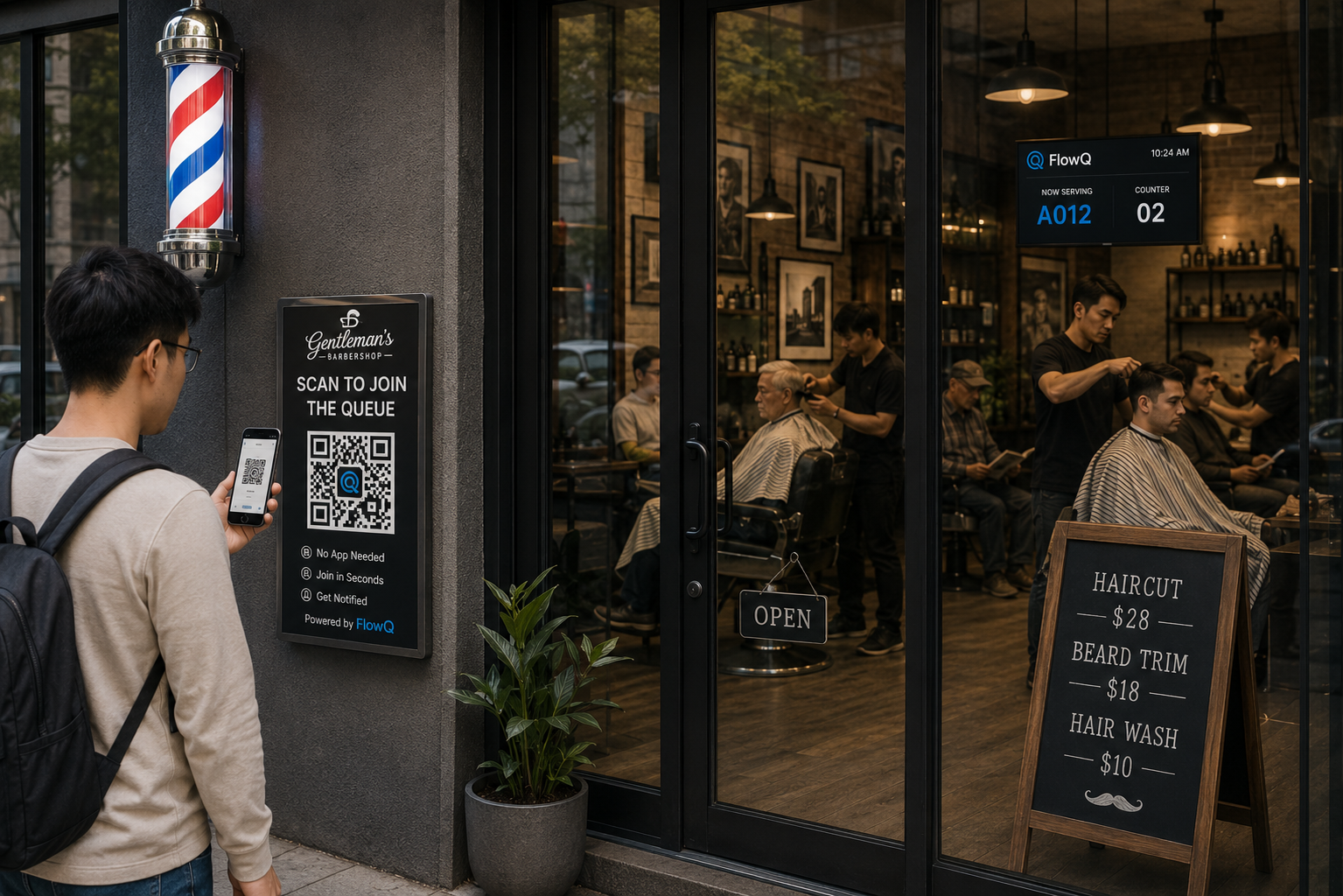
Customers scan the branch QR code, choose the service if needed, and join the queue from the cloud page.
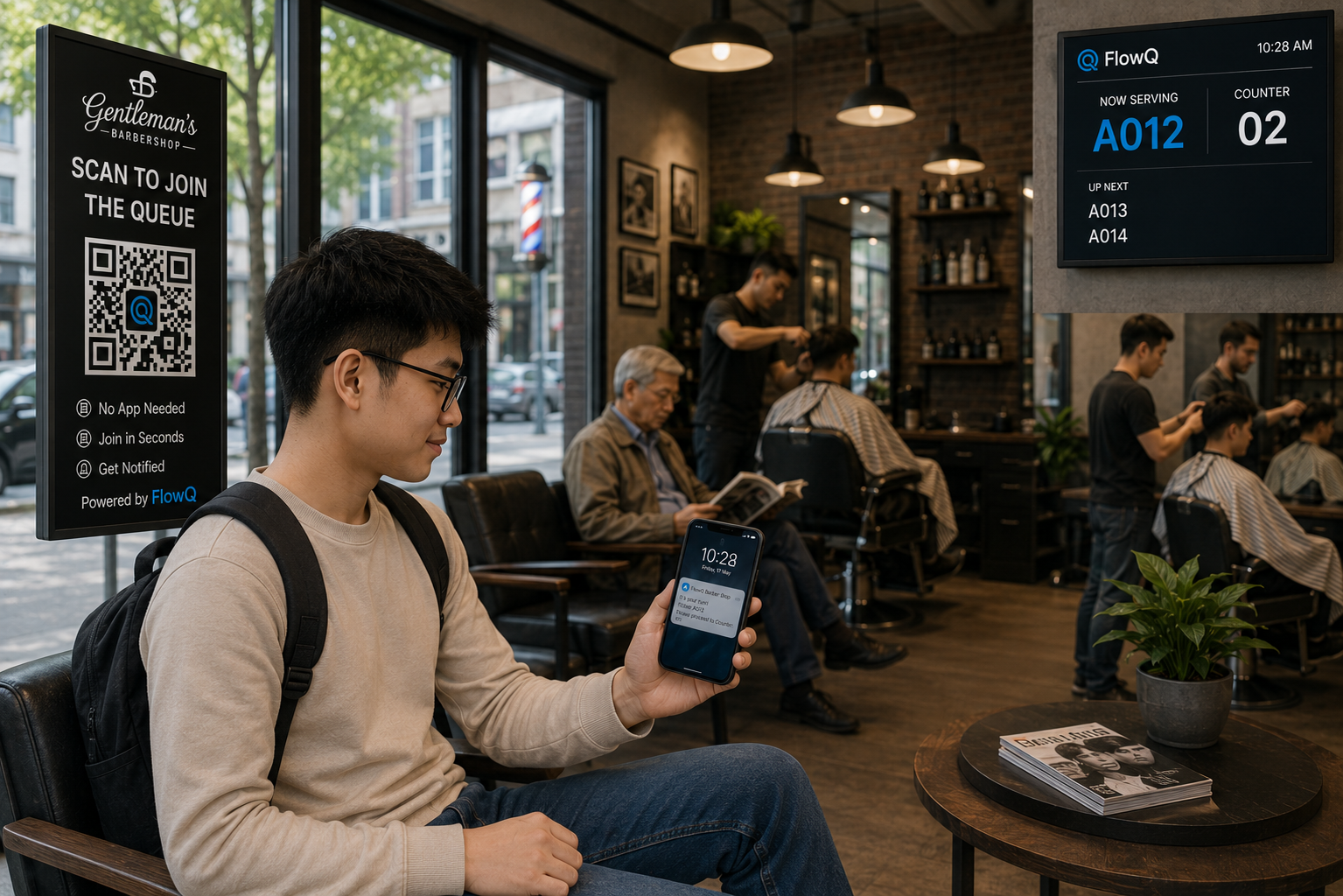
Staff manage tickets, counters, and queue visibility from the browser without relying on kiosk hardware.

Customers keep their ticket page open and follow queue progress directly from their phone.
Benefits
Use an existing iPad, TV, PC, phone, or cloud QR link instead of buying a dedicated queue machine.
Customers can see ticket progress and receive updates by SMS or Telegram while staff focus on service instead of repeated queue questions.
Suitable for appointment clinics, walk-in counters, food pickup, repair desks, multilingual waiting rooms, and SME service teams.
Handle quiet days and busy peaks without charging per customer in the queue.
Features
FlowQ keeps the queue workflow clear: join, call, display, notify, localize, and manage from familiar devices.
Let customers scan a QR code and take a queue number from their own phone.
Show current tickets on a TV, tablet, or counter screen.
Let customers choose an active language when issuing tickets from the local kiosk screen.
Manage public display labels and queue messages for multilingual waiting areas.
Offer a public cloud queue page where customers can join without kiosk hardware.
Run FlowQ locally when you need kiosk, display, media, printing, and branch admin control on site.
Send queue-related SMS such as ticket confirmation, queue reminders, and called-to-counter alerts.
Let customers open a Telegram link or scan a ticket QR for live queue status updates.
Offer SMS and Telegram as practical queue update channels instead of relying only on in-branch announcements.
Control when automated SMS messages are sent and how queue messages are formatted.
Call next, hold, skip, or manage tickets from a clean browser interface.
Use one system across clinic rooms, service desks, or collection points.
One-time purchase options are available for teams that prefer predictable cost.
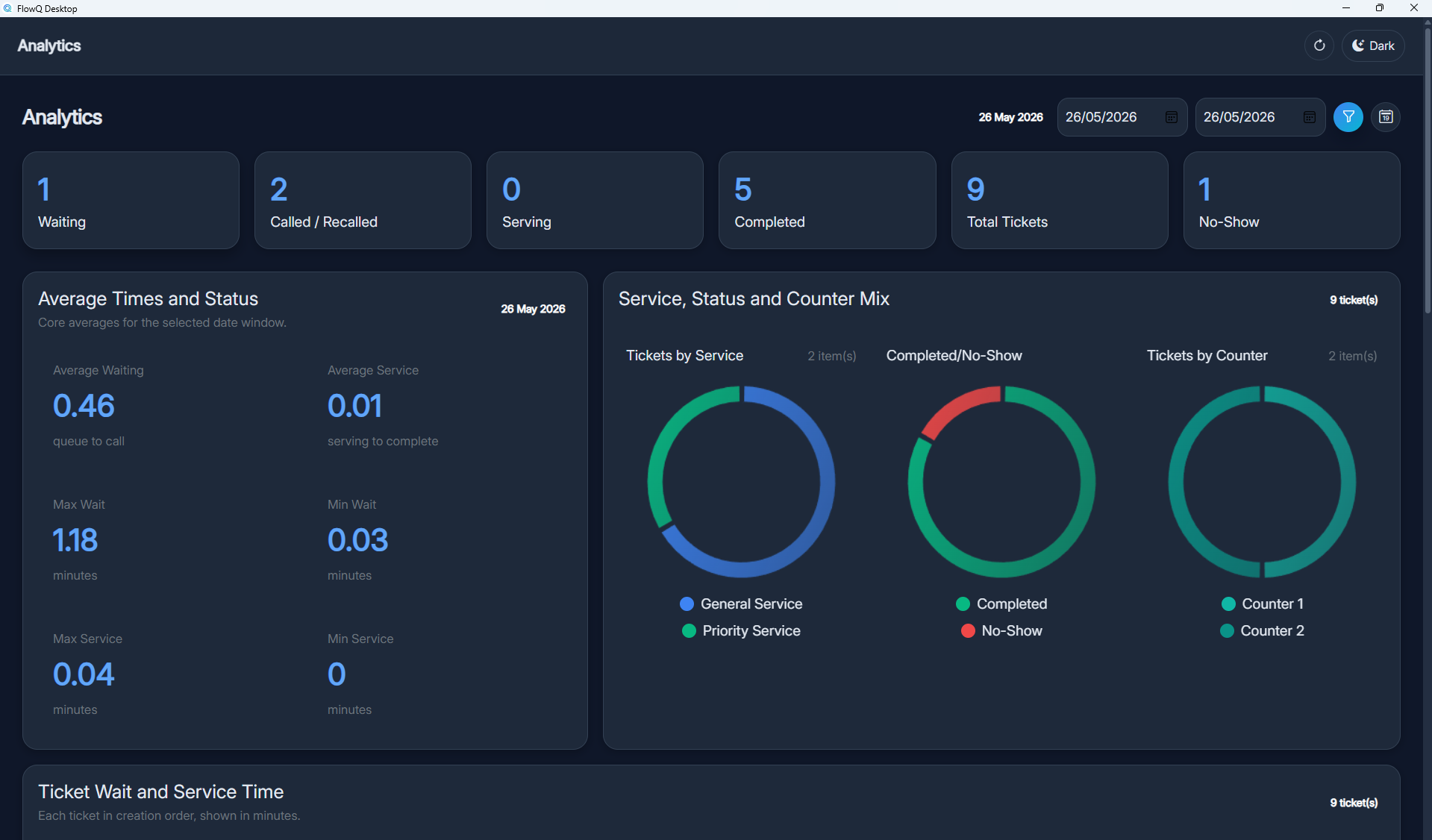
Operational visibility
FlowQ brings ticket activity, counter status, language settings, SMS and Telegram notification options, and queue display control into a practical workflow for everyday operations.
Pricing and demo
Book a short demo to compare the local FlowQ setup and the cloud QR joining option for your clinic or SME workflow.
FAQ
No. FlowQ is designed to work with common devices such as an iPad, TV, PC, tablet, or phone. The cloud option can also let customers join from their own phone by QR code.
Yes. Customers can scan a QR code and join the queue from their own phone. In the cloud option, this does not require a kiosk.
The local solution is for branches that want on-site operation with kiosk, public display, counter terminal, media, printing, multilingual kiosk/display wording, and administration. The cloud solution is a lighter QR-first option where customers join from a phone browser.
No. FlowQ Cloud can provide a QR join page so customers scan, enter details if required, and receive their ticket from their phone.
Yes. The local FlowQ system includes language configuration for active languages and editable kiosk, public display, and SMS default messages.
No. It suits clinics, food counters, service counters, repair counters, and SME customer service desks.
Yes. FlowQ supports SMS notification workflows for queue events such as confirmation, reminders, and called alerts, and it also supports Telegram notifications and ticket-linked Telegram updates.
Yes. The local FlowQ system includes SMS gateway automation and Telegram notification settings so customers can receive queue-related updates through those channels when enabled.
Yes. FlowQ can be offered as an affordable one-time purchase option for teams that prefer ownership over monthly per-customer fees.
Blog
How clinics can improve waiting room clarity with QR queue joining, cloud phone tickets, SMS and Telegram updates, multilingual kiosk/display workflows, live displays, and existing devices.
Contact
Tell us about your branch type, devices, queue flow, and whether you want SMS or Telegram notifications. We will reply with the simplest local or cloud setup path for your clinic or SME.
nexsoftpro@gmail.com